

Appearance
Start or join a live review session
Open a review and ask others to open it too: you're in a live session. Everyone who's synced follows whoever plays, pauses, scrubs, or opens another item. There's no start button.
Before you start
- Who: anyone who can open the review, including guests on a share link.
- Where: the web app's player. The desktop app joins the session for a review stored in revis.io's cloud while you're signed in, but shares less (see What stays in step during a live session).
- You need: a review. Project members need access to its project; guests need its share link, and its password if it has one.
Start a session
- Open the review in the player.
- Send the others a way in: project members can use the address in your browser's address bar, and guests need the review's share link (see Share a review with external guests).
- When someone joins, check the avatars at the top right of the player: they show who's in the session.
Join a session
- Open the review, or the share link you were sent.
- If you're asked for a password or to confirm your email, do that first.
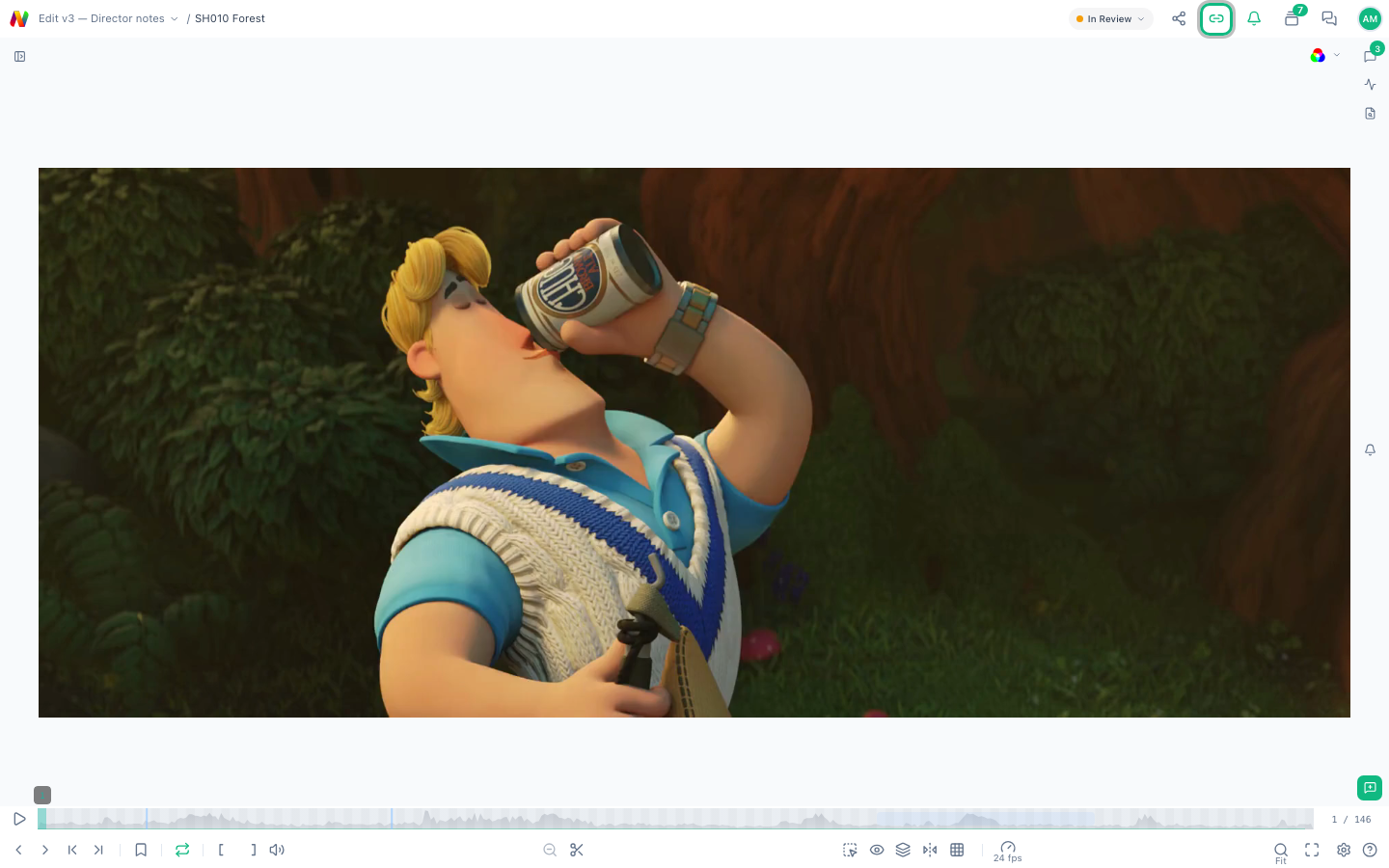
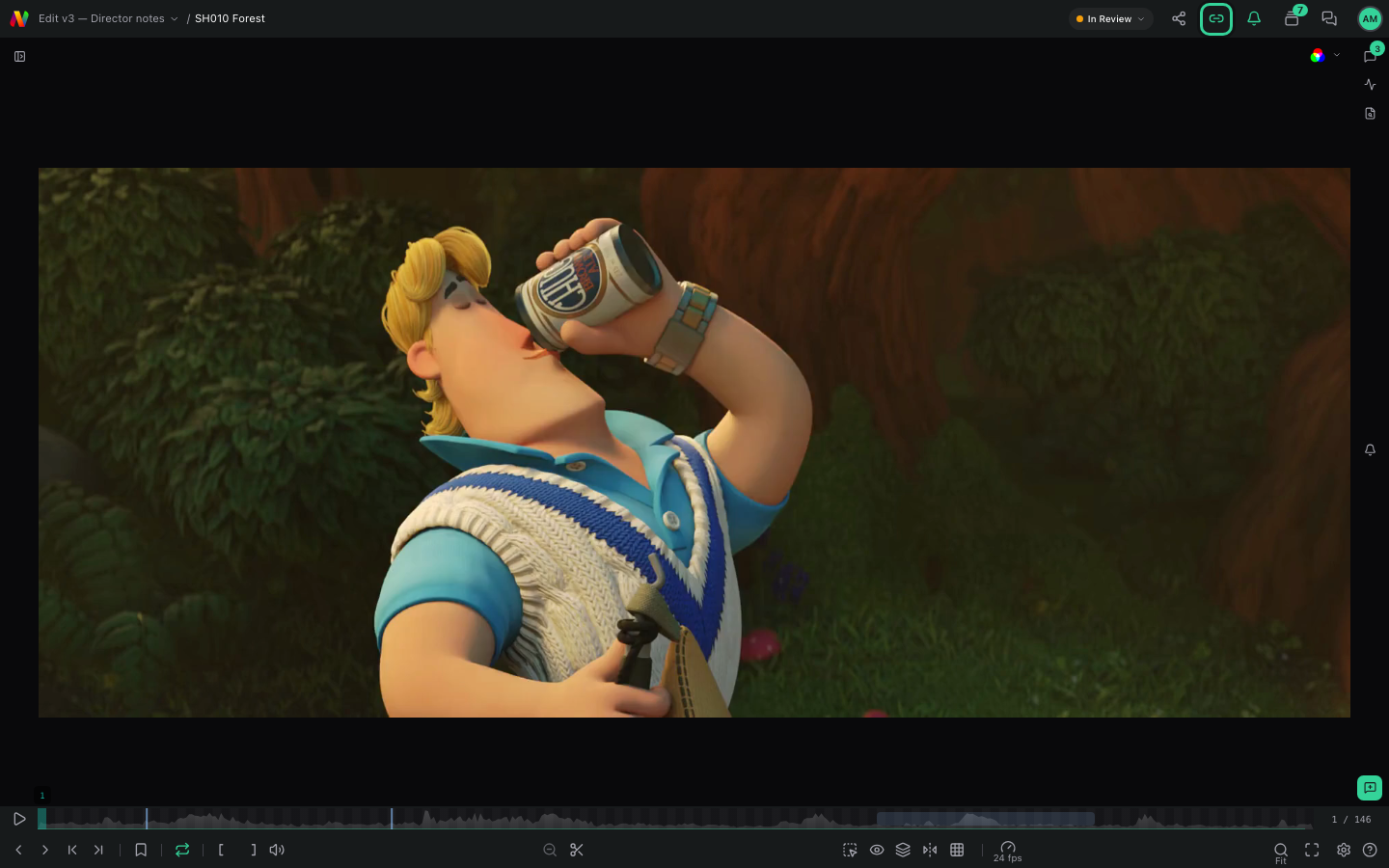
- The player opens on the group's frame unless the share link has Start unsynced on. To follow the group, select Sync playback (the link icon at the top right).
See who's in the session
Avatars with initials appear once two or more people are in. They show up to three people, then a count such as "+2". Select them to list everyone, and type in Filter by name... to find someone. Being marked host doesn't give anyone control over other people.
Guests appear under the name they gave when they confirmed their email. On an Open access link, or before they confirm, they appear as "Anonymous".
Agree who controls playback
Anyone in the session can play, pause, scrub, or change items, and everyone who's synced follows. Agree on one person to control playback.
To look around on your own without moving everyone, select Unsync playback (the link icon at the top right; in the desktop app, in the menu bar once two or more people are in). Select Sync playback to jump back to where the group is. Guests on a link with Start unsynced begin unsynced.
Limits
- A session ends when the last person leaves, or 24 hours after it started. To start a new one, reload the review.
- revis.io doesn't say when your connection to the session drops. If the link icon disappears and doesn't come back within a minute, reload the review.
- Someone with the review open in two browser tabs appears twice.